
Debit Cards from S&T Bank
Need Cash?
Find an S&T ATM or branch near you.
Debit Card
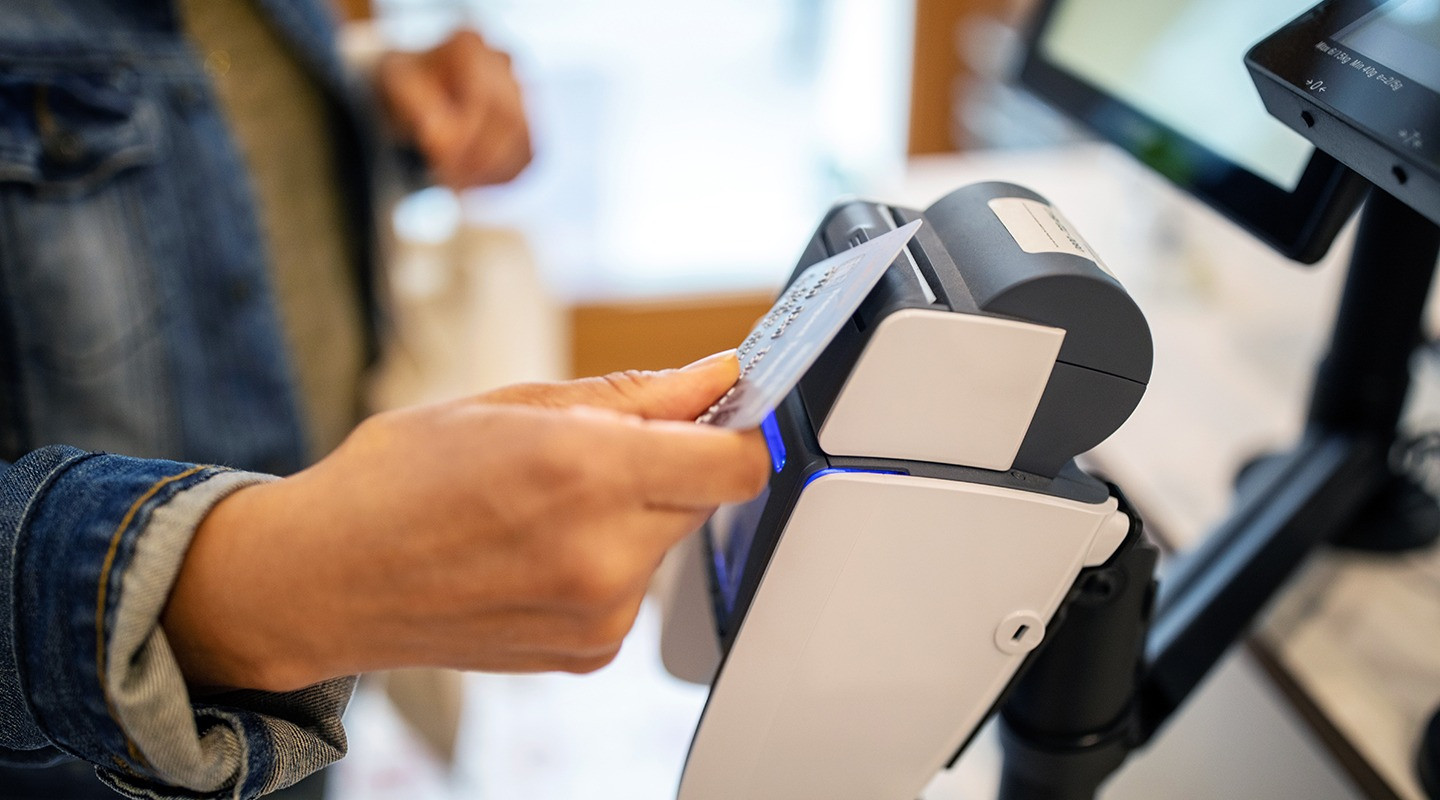
A debit card allows you to make purchases online and in-person by drawing money directly from your S&T Bank checking account. You can also use your debit card to withdraw or deposit cash at the ATM.
Activate Your Debit Card
Call us at 800.325.2265 from a phone associated with your account, choose 1 for automated system, then choose 4 for card activation, then choose 2 to enter your card number. Done! You can now use your debit card.
Never Share Your PIN
This information is private, never divulge your personal credentials.
Report Lost or Stolen
To report unauthorized transactions on your deposit accounts, call your local branch or our Solution Center at 800.325.2265.
The debit card is issued from S&T Bank when you open your checking account and will arrive to your home mailing address. Once the card is activated, you can make purchases with the available funds in your checking account online or in-person. The debit card also allows you to make deposits, transfers, balance inquiries and withdrawals from an Automated Teller Machine (ATM). Customers can also use the card for mobile payments such as Google, Samsung and Apple Pay. Enjoy using your debit card in place of cash for its convenience, contactless purchasing power and security.
A debit card is directly linked to your S&T Bank checking account. When you use the card to make purchases, that money is automatically deducted from your checking account’s available funds in real time. Using a credit card, is using a line of credit that you will have to pay on at a later time (usually with interest charges on top of the purchase amount).
- Do not bend, fold or punch holes in the card. Excessive flexing can damage the embedded chip or contactless antenna.
- Keep cards away from extreme heat. Avoid leaving cards in hot vehicles, dryers, direct sunlight or near heaters, as heat can warp the plastic and damage card components.
- Protect from moisture and chemicals. Water, cleaning agents, solvents, and other chemicals may damage printing, laminates or electronic components.
- Avoid scratches and abrasions. Store cards in wallet slots rather than loose with keys, coins or sharp objects that can damage the chip or magnetic stripe.
- Keep magnetic stripe cards away from strong magnets. While EMV chips are not affected by magnets, prolonged exposure can impair the magnetic stripe still used at some terminals.
- Use a protective wallet or card sleeve. This reduces wear, bending and friction that can degrade the card’s surface over time.
- When placing cards in a wallet, avoid inserting multiple cards into one sleeve. This can increase friction and degrade the card’s surface over time.
- Do not place cards in back pockets. Sitting on a wallet can crack or permanently deform the card.
- Inspect cards periodically. If the card becomes cracked, delaminated, warped or the chip becomes damaged, issuers recommend requesting a replacement.
Digital Wallet
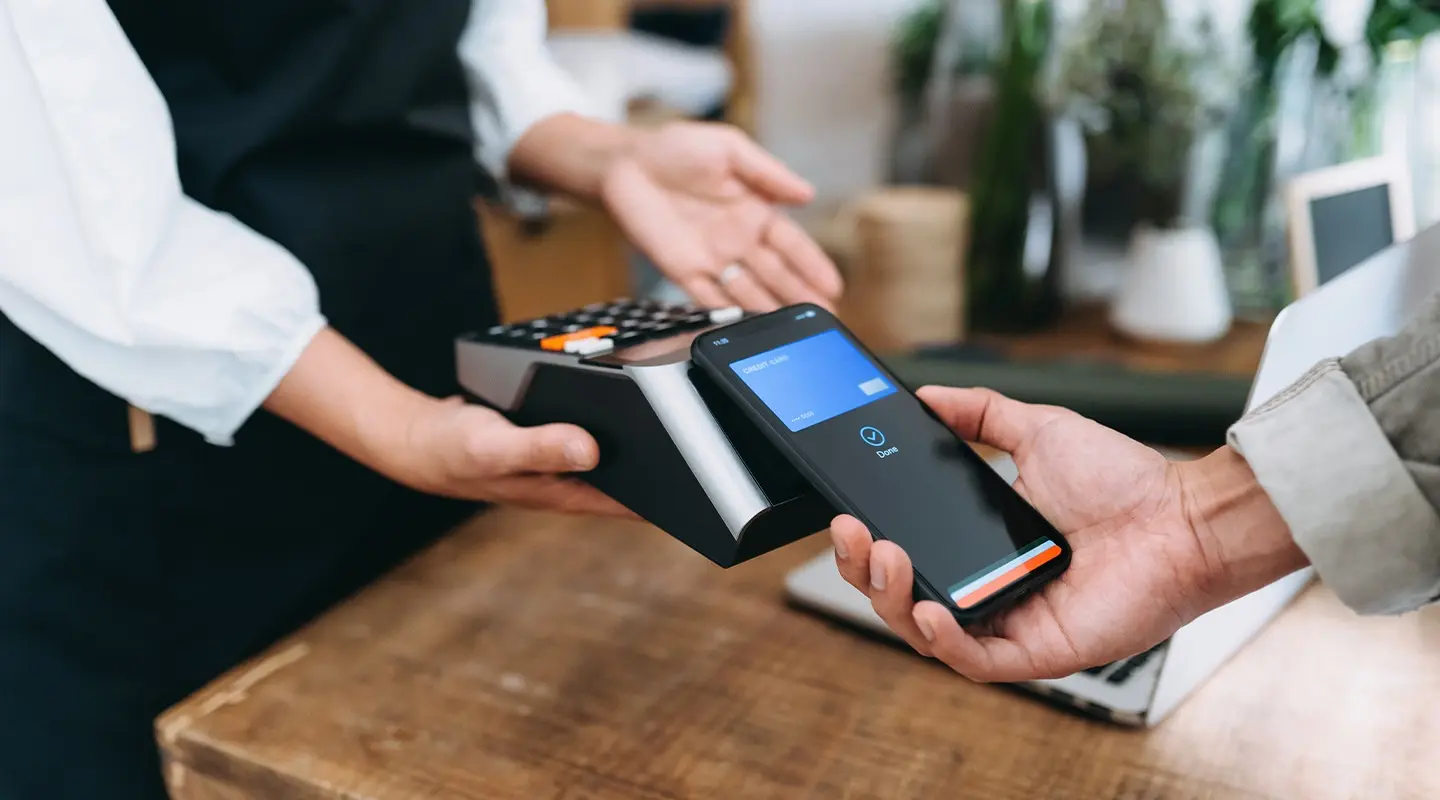
With Digital Wallet you can pay from your accounts via your smartphone or another smart device eliminating the need to carry around an actual wallet. Apple Pay, Google Pay and Samsung Pay are three of the most popular digital wallets.
Secure
Digital wallets can provide an additional layer of security because bank account information or card data are not disclosed when making a transaction.
Convenient
In addition to the added safety they offer, digital wallets can be more convenient than traditional forms of payment as they eliminate the need to carry physical cards.
Contactless
When using a digital wallet, the only thing you need to touch is the screen of your smartphone or mobile device in order to complete the transaction, an alternative to using cash.
Digital Wallet
Contactless Payment
Unlock convenience with your digital wallet.
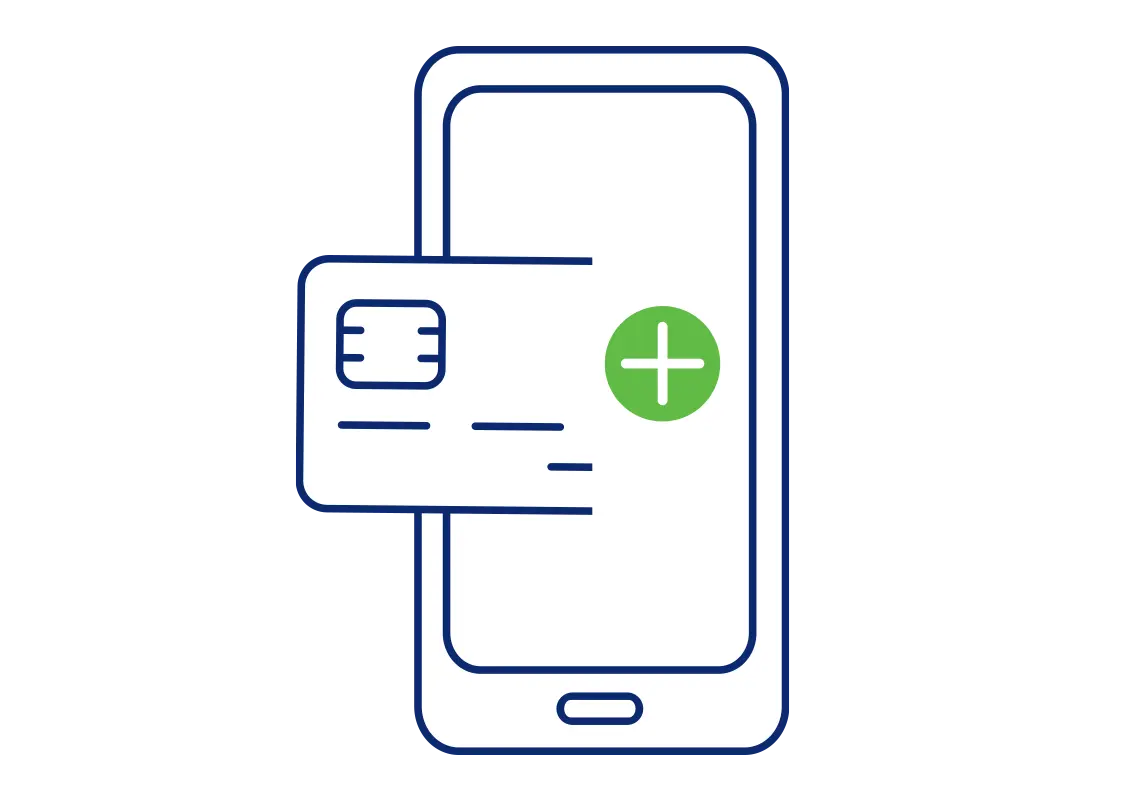
- Open the Wallet app on your phone
- Select the option to add a new debit card
- Scan your card or enter details manually
- Pay with your phone
Ready, Set, Tap!
Shouldn't all of life be that simple?
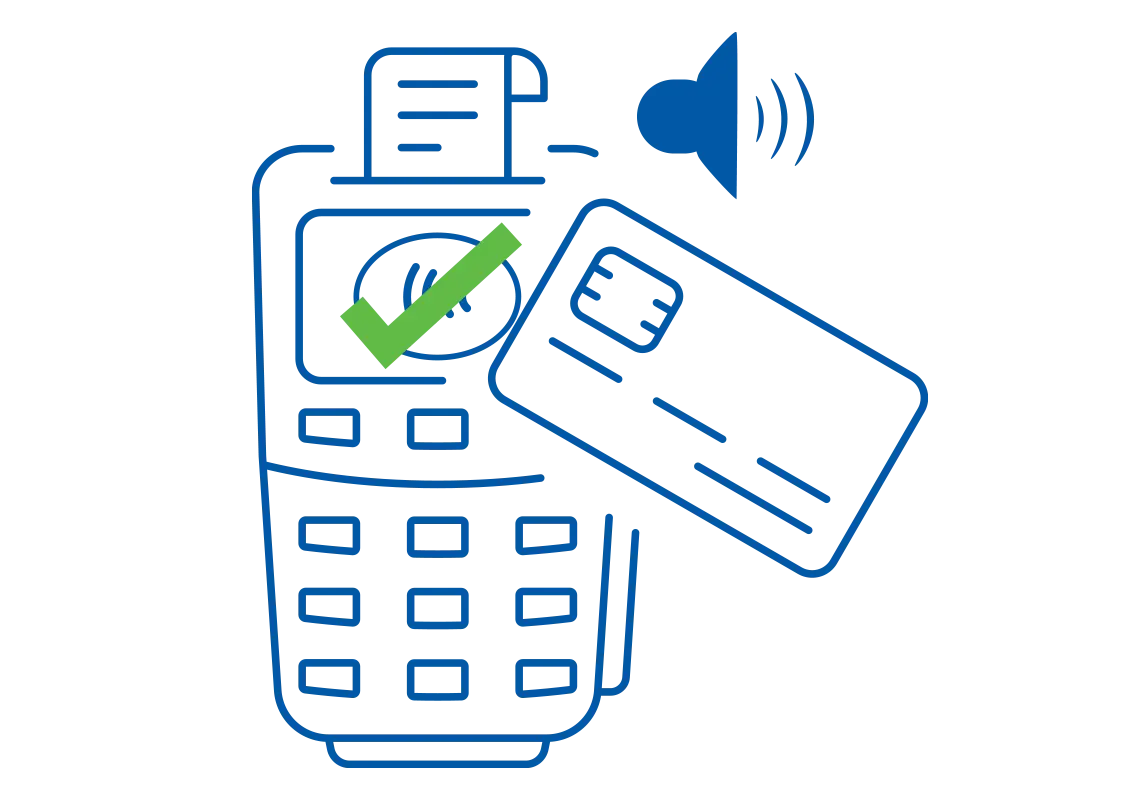
All of the security, none of the swipe. Just tap and go whenever you see the digital wallet symbol.
- Touch your card against the
 symbol.
 - Listen for the beep. Green means go!
Instant Issue
Need your debit card now?
While you wait for your physical card to arrive by mail, the branch can issue a digital card to use immediately. Visit a local S&T Branch for more information.find branch office locations
Solution Center
Need to talk to an expert?
Our customer service team is here to help you through any questions or concerns you may have.

Report Fraud
Do you suspect you've been a victim of fraud or identity theft?
Act quickly to report fraud and help safeguard your information.